Customer - Profile
Profile setup
Click on the sign-up button in your OKTIUM app (see the icon below). Fill out your e-mail address and your password. Then fill out your first and last name; add languages you speak.
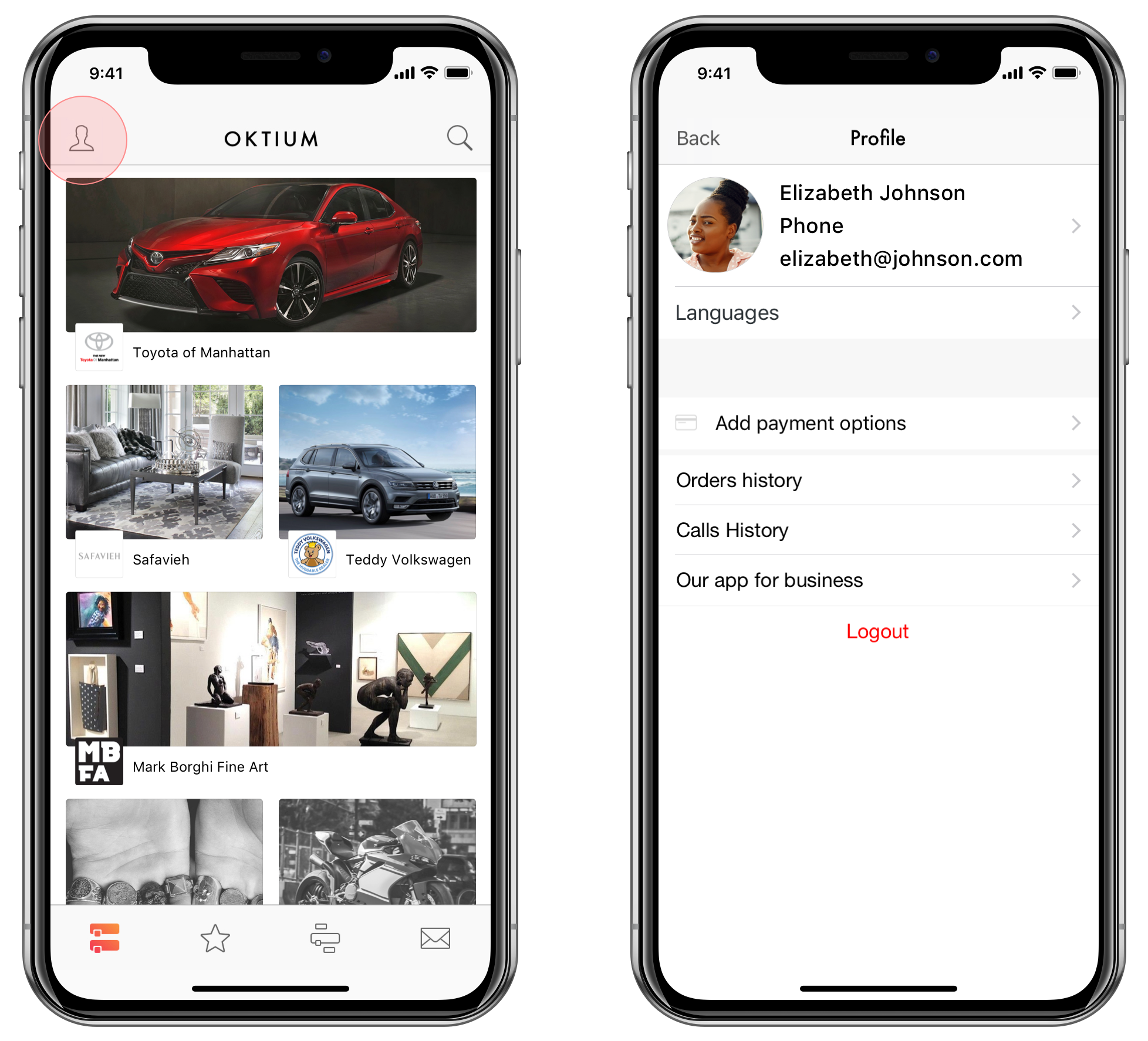
What can you edit in your profile
Insert or edit your full Name Edit your Email address Upload personal Picture Insert your Phone number Upgrade Language preferences. You can choose the languages you speak Change Password. Highly recommended if your password was made by someone else Add Payment options
What can you check in your profile
See your full Calls history and Order history